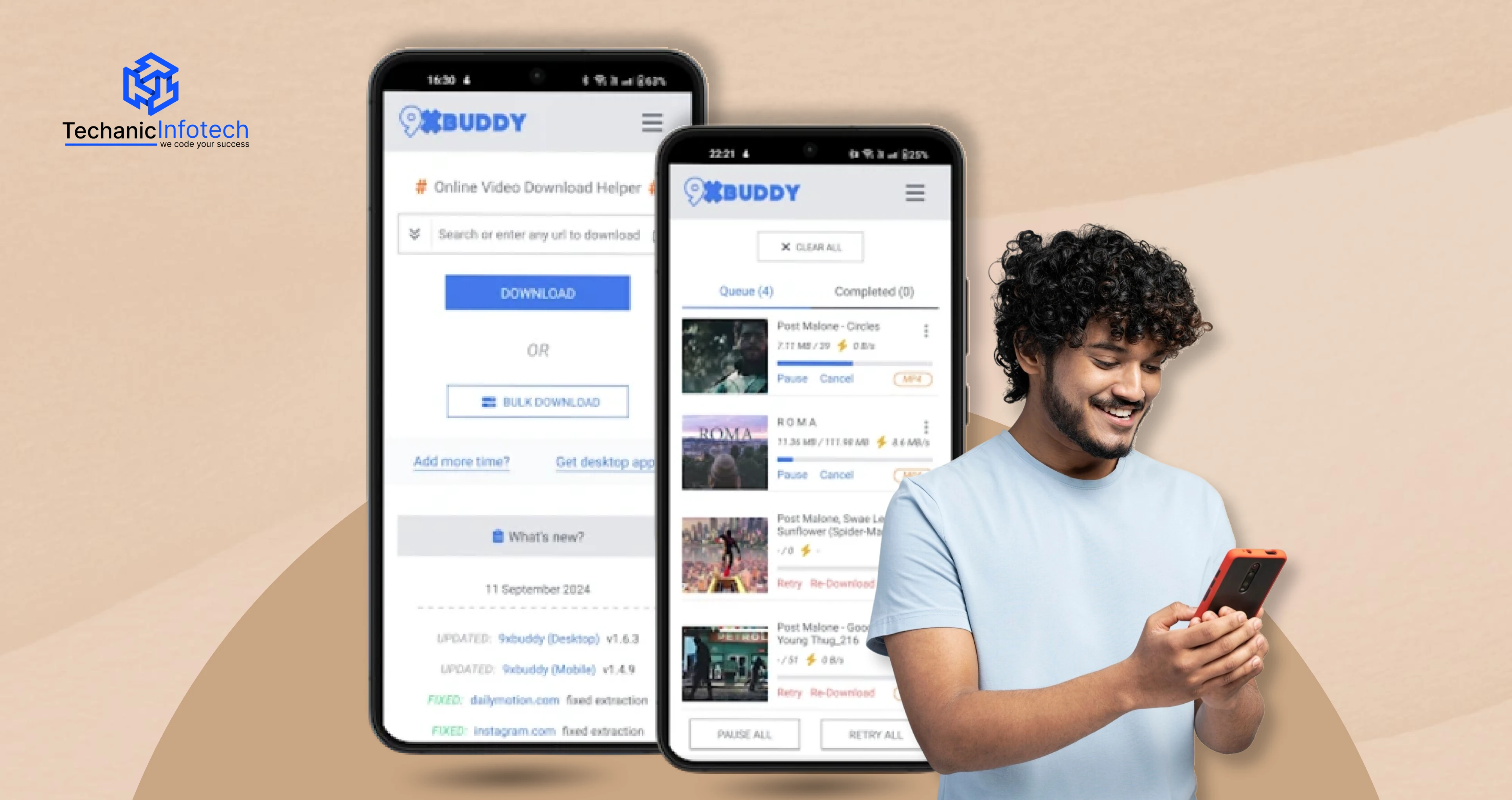
If you've ever wanted to save videos for offline viewing, you've likely come across 9xbuddy. It is a popular online tool that allows users to download videos quickly without installing bulky software or applications.
One of the main reasons users prefer the 9xbuddy downloader is that it works entirely through a web browser, eliminating the need for additional apps or extensions. However, this convenience often leads to confusion. Many users search for terms like "9xbuddy download" or "9xbuddy app" and frequently ask whether downloading the tool is necessary. Others look for 9xbuddy.com, search for information about 9xbuddy torrent, or try to find ways to install the 9xbuddy app.
In this guide, we'll explain everything in simple terms. You'll learn how the 9xbuddy downloader works, whether you need to install anything, and discover alternative sites to consider if 9xbuddy doesn't meet your needs.
9xbuddy is an online video downloader that helps you save videos from different websites so you can watch them later without an internet connection.
You don’t need to install heavy software or sign up for an account. That’s the main reason why many people prefer the 9xbuddy video downloader over apps or browser extensions.
Instead of being an app you download, 9xbuddy.com works directly in your web browser. This often confuses users, which is why people search things like “Do I need to download 9xbuddy?” or “How to download the 9xbuddy app?” The short answer is you usually don’t need an app at all. The website itself does the job.
People use the 9xbuddy tool to download videos for offline viewing, educational purposes, travel, or when internet access is limited. It supports multiple formats and resolutions, depending on the source video.
Now let’s talk about how it actually works.
Here’s the process in simple steps:
Copy the video link: Go to the website where the video is hosted and copy the video URL from the address bar or share option.
Open 9xbuddy.com: Open your browser and visit the official 9xbuddy downloader website.
Paste the link: Paste the copied video link into the input box on the homepage.
Choose format and quality: 9xbuddy analyzes the link and shows available download options like MP4, audio-only, or different video resolutions.
Download the video: Click the download button, and the file starts downloading to your device.
That’s it. No login, no installation, no complicated steps.
It works on both mobile and desktop browsers
No account or software installation needed
Simple interface, easy for beginners
Useful when apps or extensions are blocked
However, if the tool doesn’t work or a site isn’t supported, users often look for sites like 9xbuddy or explore reliable 9xbuddy alternatives. We will cover that next.
People don’t usually go looking for video downloaders unless they have a real reason. And that’s exactly why 9xbuddy has become popular, it solves a very common problem in a very simple way.
Here’s why many users turn to the 9xbuddy video downloader:
To watch videos offline: Not everyone has stable internet all the time. People download videos using the 9xbuddy tool so they can watch content later while traveling, commuting, or when data is limited.
No app or software needed: One big reason people like 9xbuddy.com is that it works directly in the browser. You don’t need to install an app, extension, or desktop software, which feels safer and easier for many users.
Quick and beginner-friendly: The 9xbuddy downloader is simple. Paste the link, choose a format, and download. Even non-technical users can figure it out in seconds.
Works across devices: People use 9xbuddy on both mobile phones and desktops. This flexibility makes it more convenient than tools that only work on one platform.
Useful for learning and reference: Students and professionals often download tutorials, lectures, or guides to revisit later without buffering issues.
Alternative when apps fail: Sometimes official apps don’t allow offline downloads or restrict content. In those cases, users look for sites like 9xbuddy or explore 9xbuddy alternatives.
In short, people use 9xbuddy because it’s fast, simple, and doesn’t overcomplicate things — exactly what most users want.
This is one of the most common questions people ask before using 9xbuddy, and it’s a fair one. Let’s break it down clearly, without legal jargon or fear-mongering.
The 9xbuddy tool itself is a browser-based downloader, which means you don’t need to install software. That reduces the risk compared to random apps or cracked programs. However, like many free tools, the site may show ads or pop-ups. Using an ad blocker and avoiding suspicious clicks makes the experience much safer.
Many users search for the 9xbuddy app or ask “How to download 9xbuddy?” In reality, there’s usually no official app required. Be cautious of third-party apps claiming to be 9xbuddy, those can carry security risks.
Whether 9xbuddy video download is legal depends on what you’re downloading. Saving videos that are copyright-protected without permission may violate the platform’s terms or local laws. Downloading content you own, have permission for, or that’s copyright-free is generally safer.
Many video platforms restrict downloading in their terms of service. Even if a download is technically possible, it may not be allowed by the platform. That’s why users sometimes look for 9xbuddy alternatives when certain sites block downloads.
9xbuddy is best used for personal, educational, or offline viewing of permitted content. Avoid redistributing downloaded videos or using them commercially without rights.
9xbuddy can be safe when used carefully and responsibly, but legality always depends on the content source and how you use it.
One of the first things people ask when considering a 9xbuddy video downloader is, “Which sites can I use it with?” While 9xbuddy doesn’t work with every platform under the sun, it supports a large collection of popular video and content websites.
Below is a helpful overview written in a simple, conversational tone with no tech jargon.
Here are some of the well-known platforms where 9xbuddy can usually parse and download video content:
YouTube: One of the most common places people use 9xbuddy for video download (depending on availability).
Facebook: Works for public videos shared on profiles and pages.
Instagram: Most public video posts and reels can be downloaded.
Twitter / X: If the post is public, 9xbuddy can usually detect it.
Vimeo: A favorite for creators and businesses.
Dailymotion: Another popular video site supported by many downloaders.
TikTok: Often works for public short video URLs.
Depending on the video source and privacy settings, 9xbuddy may also work with:
Reddit videos
LinkedIn public video posts
Blogs or news sites with embedded videos
Certain educational or media sites
Some sites may block direct downloads, so 9xbuddy may not always work even if the platform is listed.
If you’ve never used 9xbuddy before, don’t worry, it’s one of the simplest tools out there. You don’t need technical skills, an account, or any special software. The 9xbuddy tool works straight from your browser and is designed for quick 9xbuddy video downloads with minimal effort.
Let’s walk through the process step by step.
First, open the website where your video is hosted. This could be a public video on platforms that are supported by 9xbuddy video downloader platforms like 9xbuddy. Make sure the video is public and playable.
Once the video loads, copy the full video URL from the address bar or the share option.
Next, open a new browser tab and visit 9xbuddy.com. This is important because many users search for things like 9xbuddy app or 9xbuddy torrent, but in most cases, you don’t need to download anything. The website itself works as the 9xbuddy downloader.
On the homepage, you’ll see a large input box. Paste the copied video link there. This is the core action of the 9xbuddy download process.
After pasting the link, click the download or submit button. The 9xbuddy video downloader will now analyze the video URL.
Once the link is processed, 9xbuddy shows multiple download options. These may include:
Different video resolutions
MP4 format
Audio-only versions (if available)
Choose the format and quality that fit your needs. Higher quality means a larger file size, so keep that in mind if storage or data is limited.
Click the download button for your selected option. The file will begin downloading to your device automatically and will be stored in your downloads folder.
On mobile, the file usually appears in your downloads folder. On desktop, it downloads just like any other file.

When 9xbuddy doesn’t work or feels limited, these tools are commonly used as reliable alternatives. Each one has its own strengths, depending on what you’re trying to download and how often you do it.
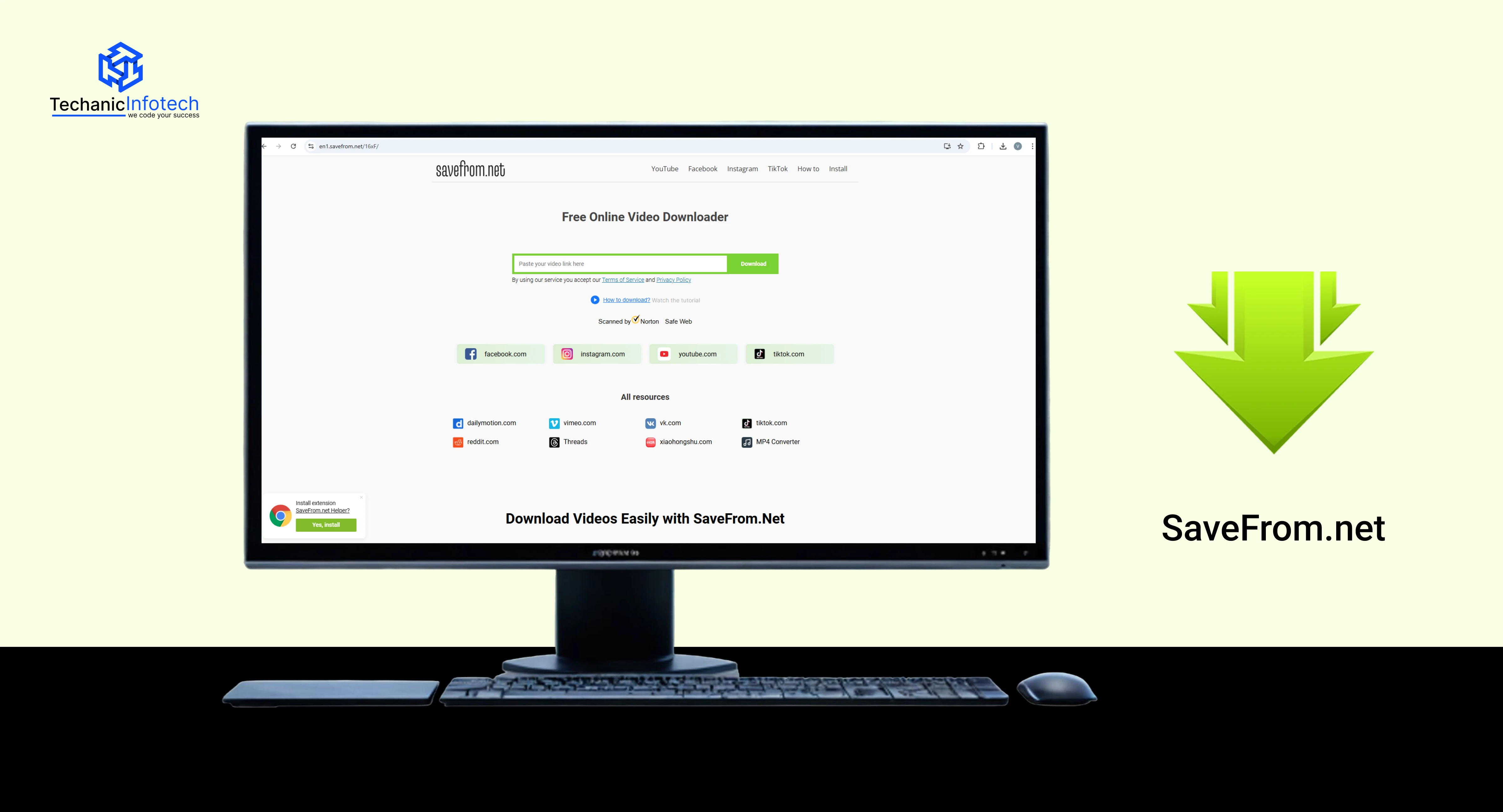
SaveFrom.net is one of the oldest and most well-known tools among sites like 9xbuddy. It’s browser-based, which means you don’t need to install any software. Users simply paste a video link and download it in a few clicks.
People like SaveFrom because it works fast and supports many public video platforms. It’s especially useful for quick downloads when you don’t want to deal with apps, extensions, or desktop tools. However, ads and pop-ups can appear, so using an ad blocker improves the experience.
SaveFrom is best for casual users who want a fast and simple solution without advanced settings.
|
Features |
Who Can Use |
|
Browser-based video downloader |
Beginners and casual users |
|
No account or installation required |
Users who want quick downloads |
|
Supports multiple public video sites |
People avoiding desktop software |
|
Simple copy-paste workflow |
Occasional video downloaders |
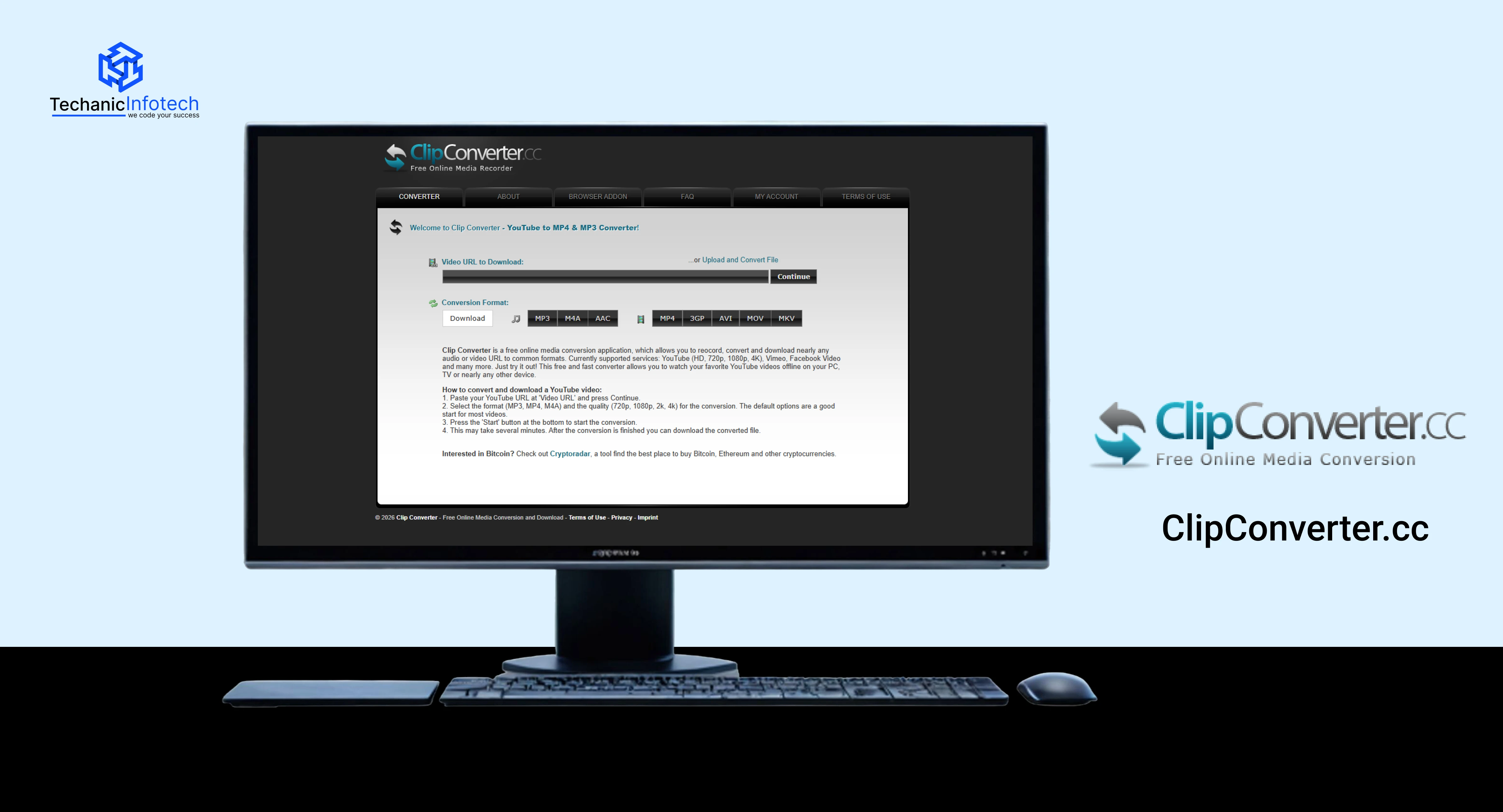
ClipConverter.cc is popular among users who want more control over formats. Unlike many 9xbuddy alternatives, this tool allows you to convert videos into different formats before downloading them.
This makes it useful for people who want MP3 audio, specific video resolutions, or compatibility with older devices. The interface is straightforward, but it includes extra options that may feel slightly advanced for first-time users.
ClipConverter works best when format flexibility matters more than speed.
|
Features |
Who Can Use |
|
Video-to-audio conversion |
Users downloading music or audio |
|
Multiple output formats |
People needing format flexibility |
|
Browser-based tool |
Users who don’t want apps |
|
Resolution selection |
Users with storage or quality limits |
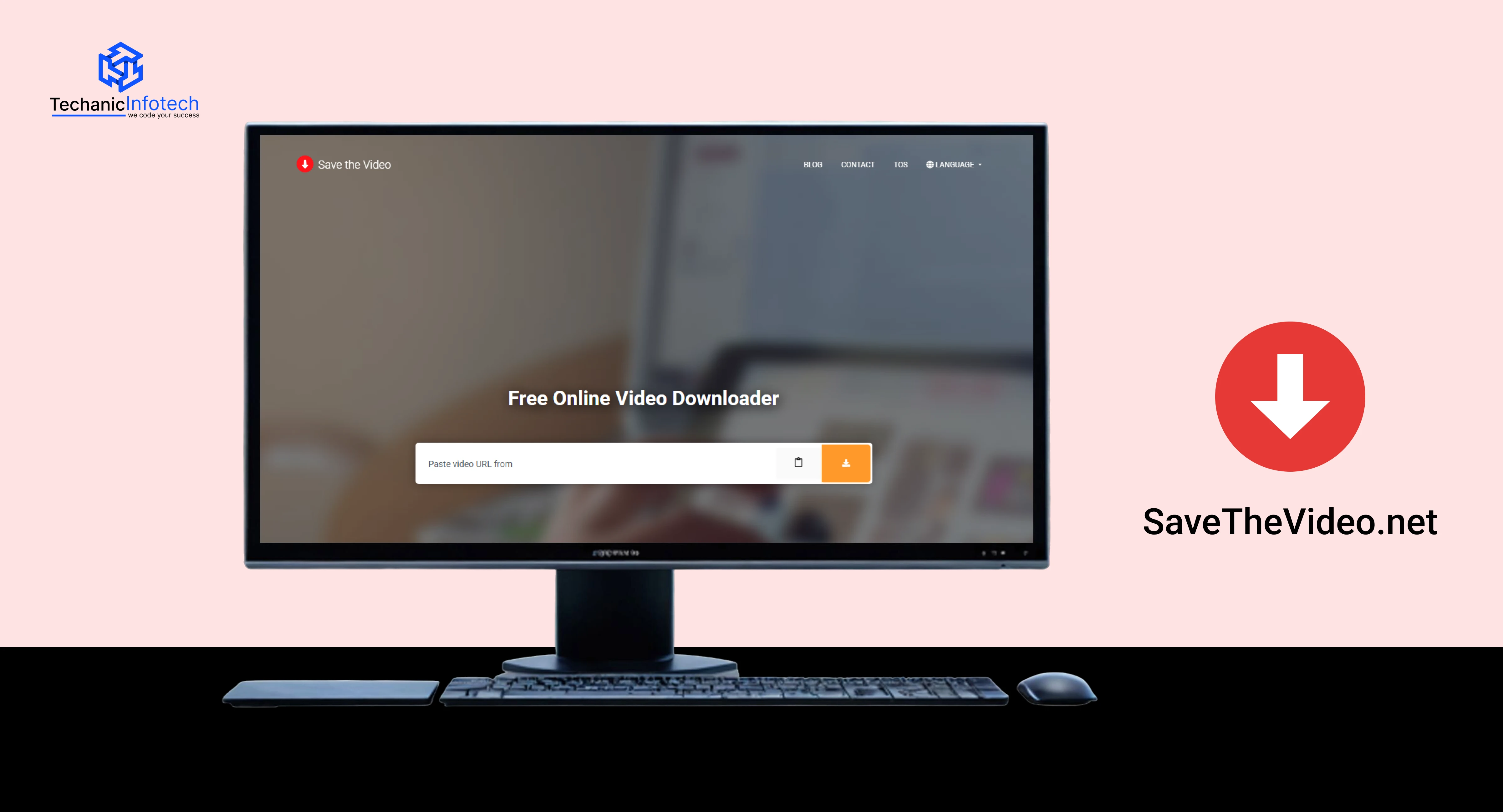
SaveTheVideo.net focuses on simplicity while offering extra features like format selection and subtitle support on some platforms. It’s another browser-based option that works well when 9xbuddy download links fail.
This tool is useful for educational or reference content, especially when users want cleaner downloads without complicated steps. It doesn’t require registration, which makes it beginner-friendly.
SaveTheVideo is ideal for users who want a balance between simplicity and extra features.
|
Features |
Who Can Use |
|
Browser-based downloading |
Students and learners |
|
Format and quality selection |
Users saving tutorials |
|
No sign-up required |
People avoiding accounts |
|
Works on multiple platforms |
Occasional download users |
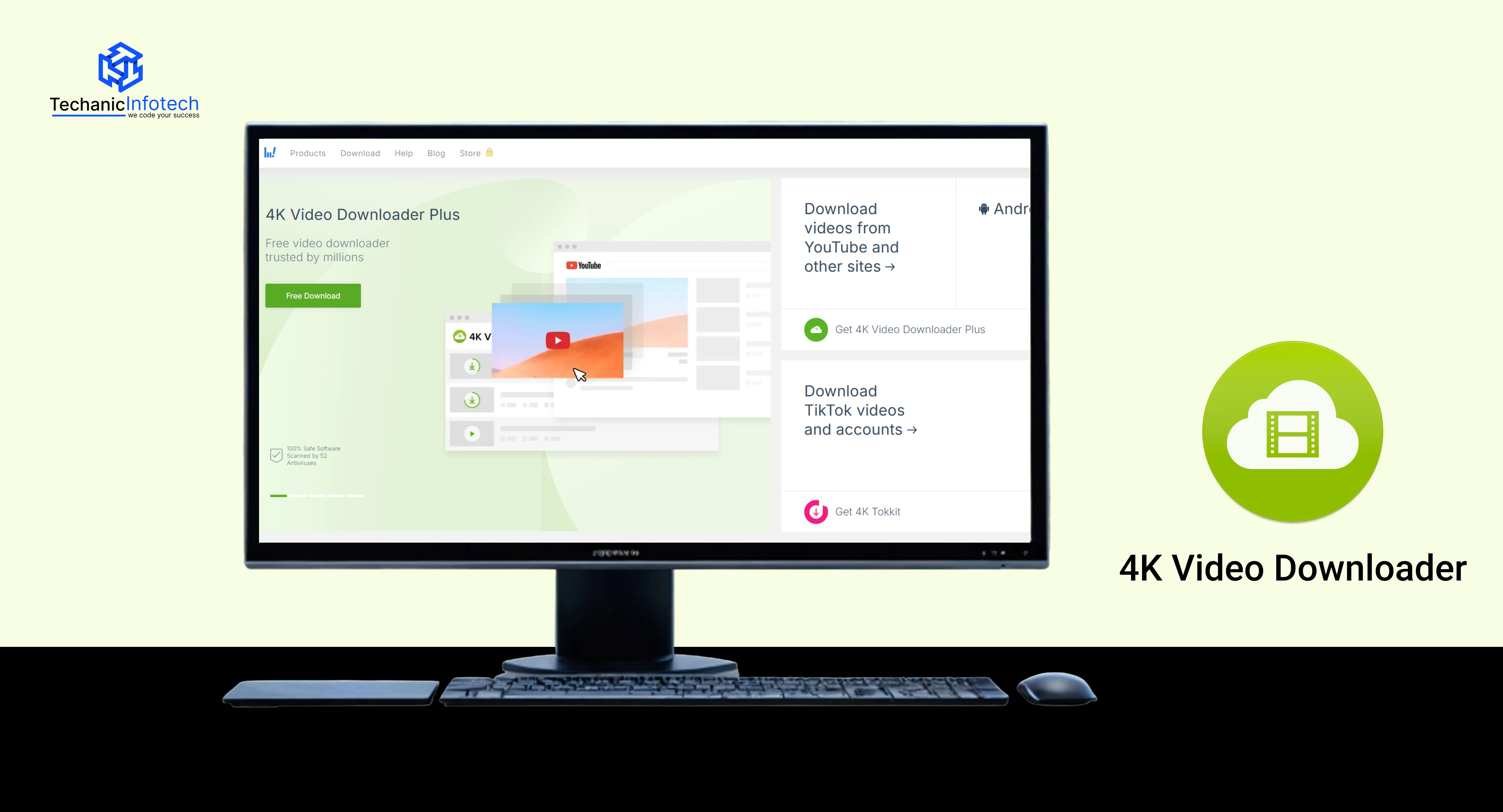
4K Video Downloader is a desktop-based alternative often chosen when browser tools like 9xbuddy.com stop working. Unlike online tools, it requires installation but offers better stability and higher quality downloads.
This tool is known for handling long videos, playlists, and high-resolution content without breaking. It’s especially useful for users who download videos frequently and want a reliable setup.
While it’s not as quick as browser tools, it’s much more powerful.
|
Features |
Who Can Use |
|
Desktop application |
Frequent downloaders |
|
Supports HD and 4K quality |
Users needing high resolution |
|
Playlist and channel downloads |
Content collectors |
|
Stable and reliable |
Power users |
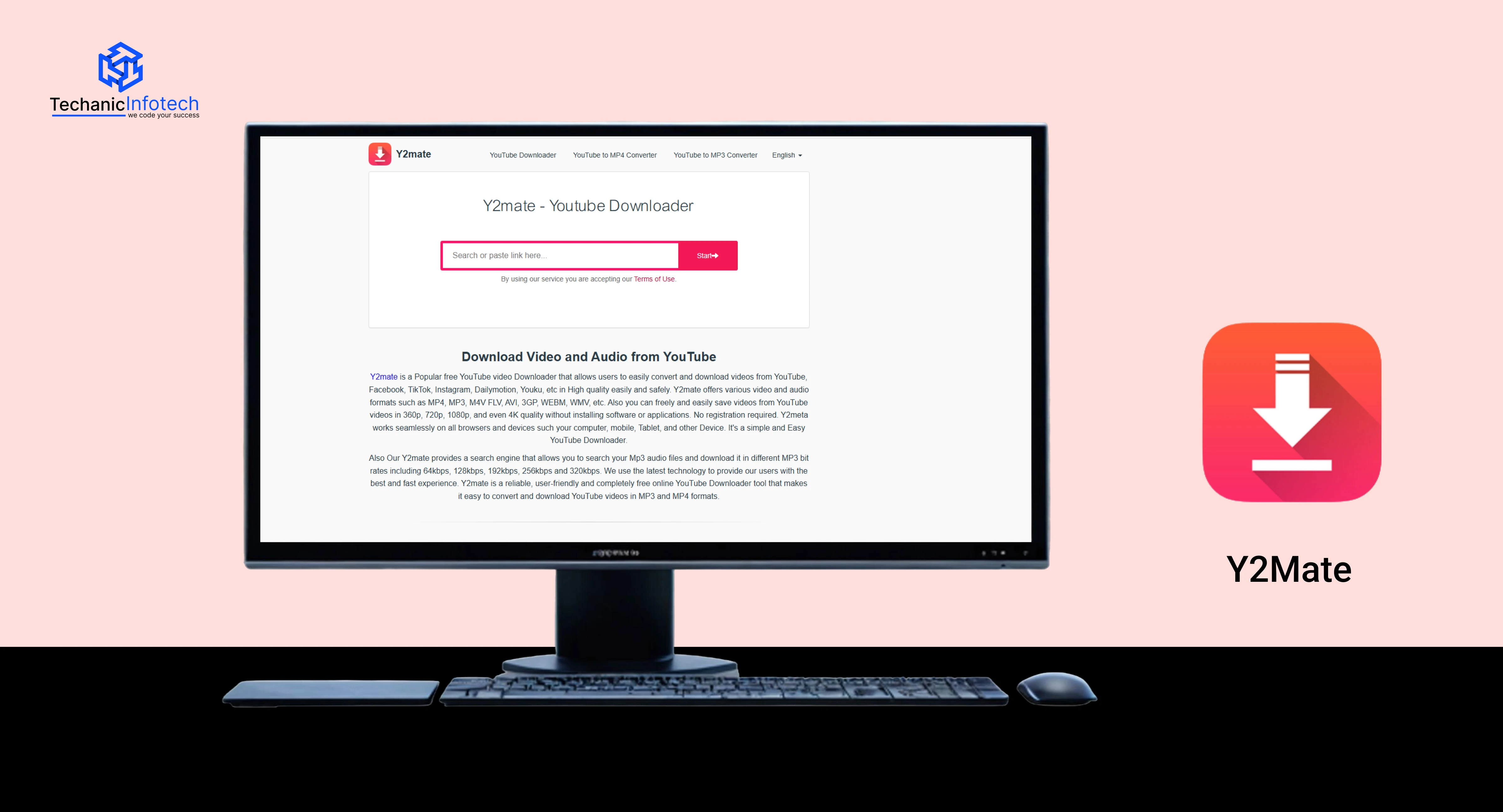
Y2Mate is one of the most searched 9xbuddy like sites. It’s fast, browser-based, and works well for basic video and audio downloads. Users don’t need to create an account or install software.
However, like many free online tools, ads and redirects may appear. It’s best used with caution and an ad blocker. Despite this, Y2Mate remains popular because of its speed and simplicity.
Y2Mate is suitable for quick downloads when you don’t need advanced features.
|
Features |
Who Can Use |
|
Browser-based downloader |
Casual users |
|
Fast processing |
Users needing quick results |
|
Video and audio downloads |
Music and short video downloads |
|
No installation required |
First-time users |
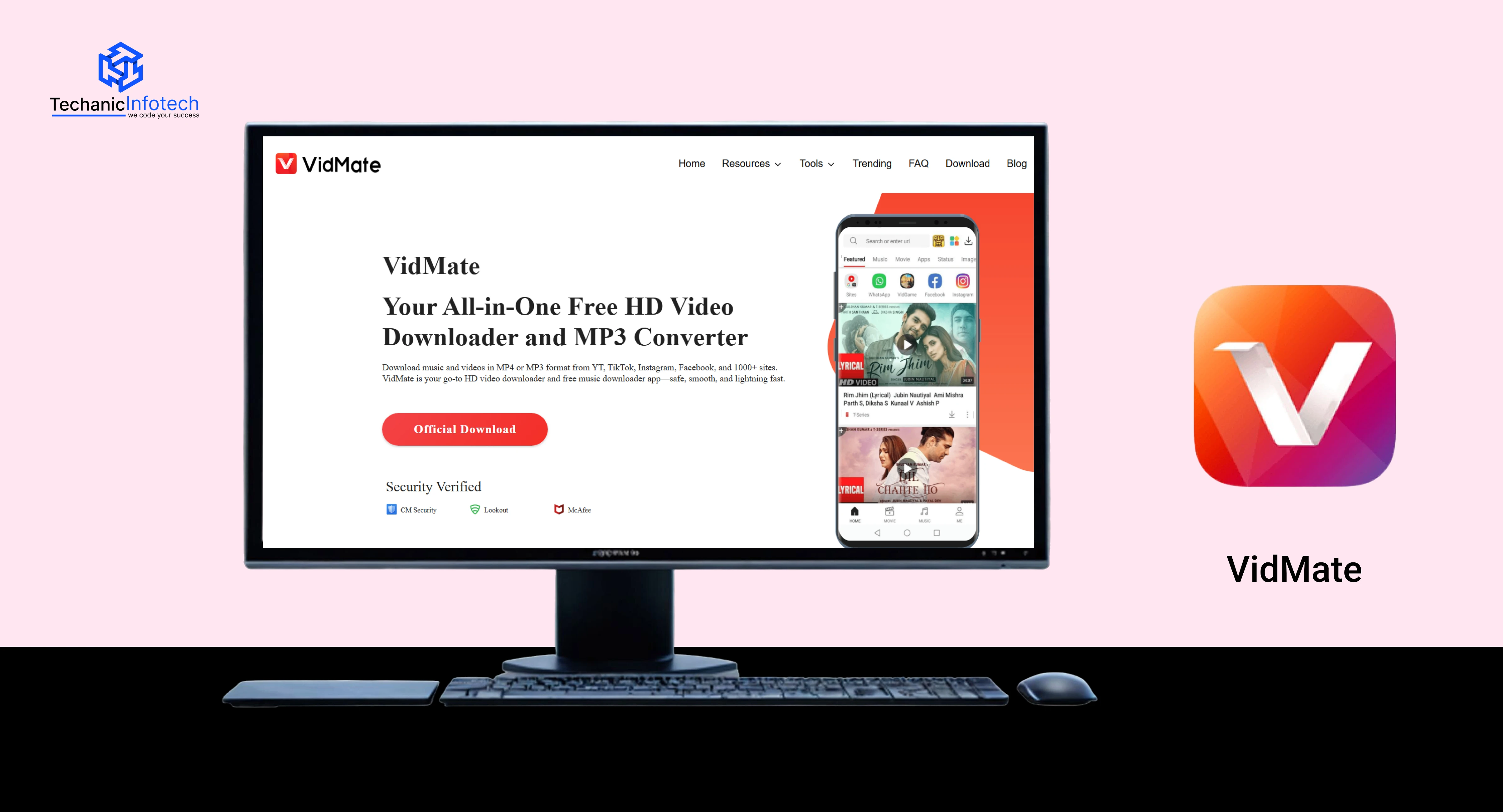
VidMate is a popular alternative often used by mobile users who prefer downloading videos directly to their phones. Unlike browser-based tools such as 9xbuddy, VidMate works as an app and supports video, music, and even app downloads. It’s commonly used for offline entertainment, especially when internet access is limited.
However, VidMate is not available on official app stores, so users should be careful about where they download it from. It’s best suited for experienced users who understand basic mobile security practices.
|
Features |
Who Can Use |
|
Mobile app-based downloader |
Android users |
|
Supports video & audio downloads |
Offline entertainment seekers |
|
Multiple resolutions available |
Users with limited internet |
|
Fast downloads |
Frequent mobile downloaders |
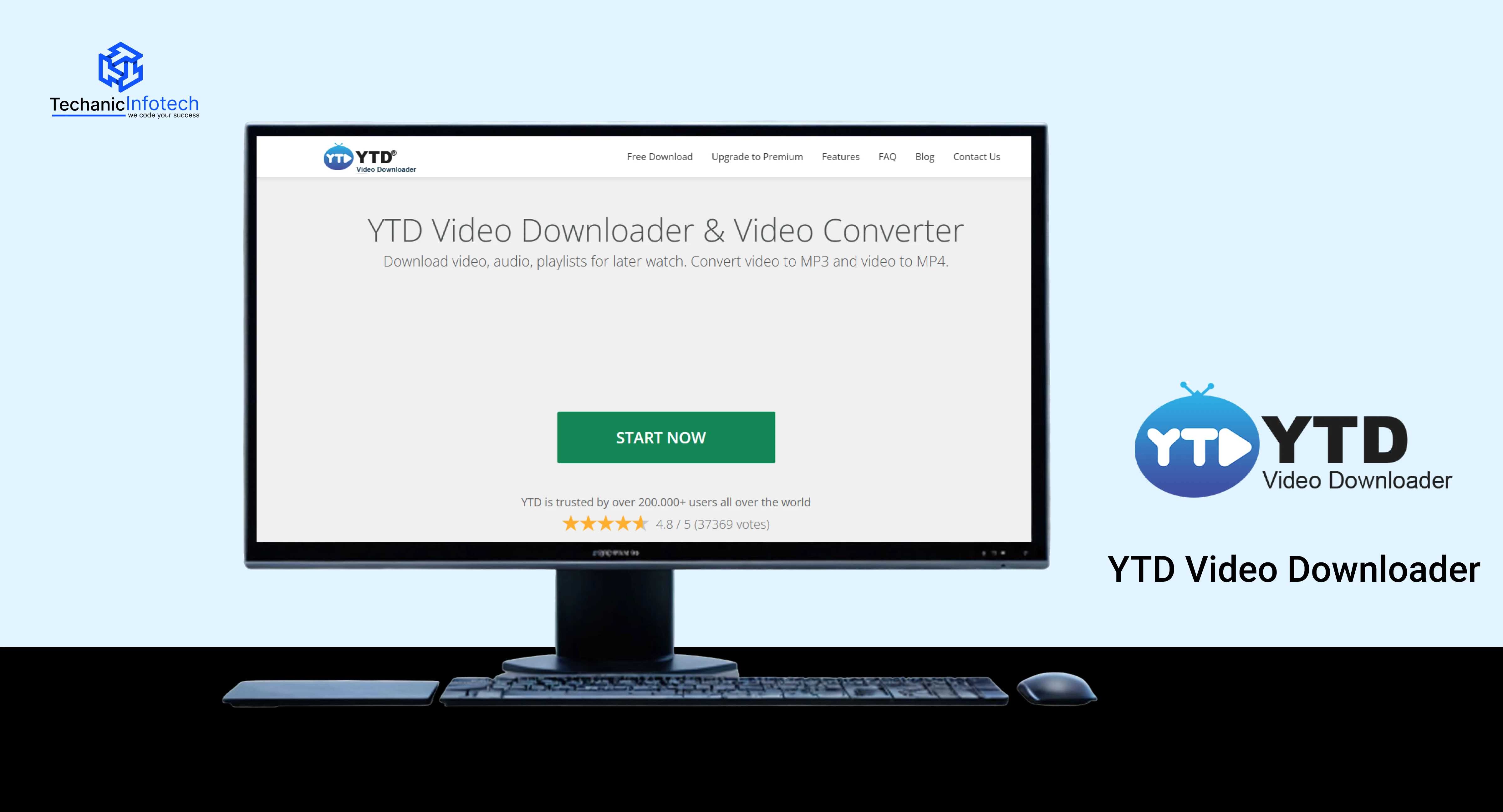
YTD Video Downloader is a long-standing desktop tool that offers stable and reliable video downloads. Unlike sites like 9xbuddy, this software requires installation but provides better control and fewer interruptions once set up.
It’s suitable for users who download videos regularly and want consistent performance. The free version works for basic needs, while the paid version unlocks higher speeds and advanced features.
|
Features |
Who Can Use |
|
Desktop software (Windows/Mac) |
Regular video downloaders |
|
Video conversion support |
Users needing multiple formats |
|
Stable and secure downloads |
Long-term users |
|
Optional premium version |
Power users |
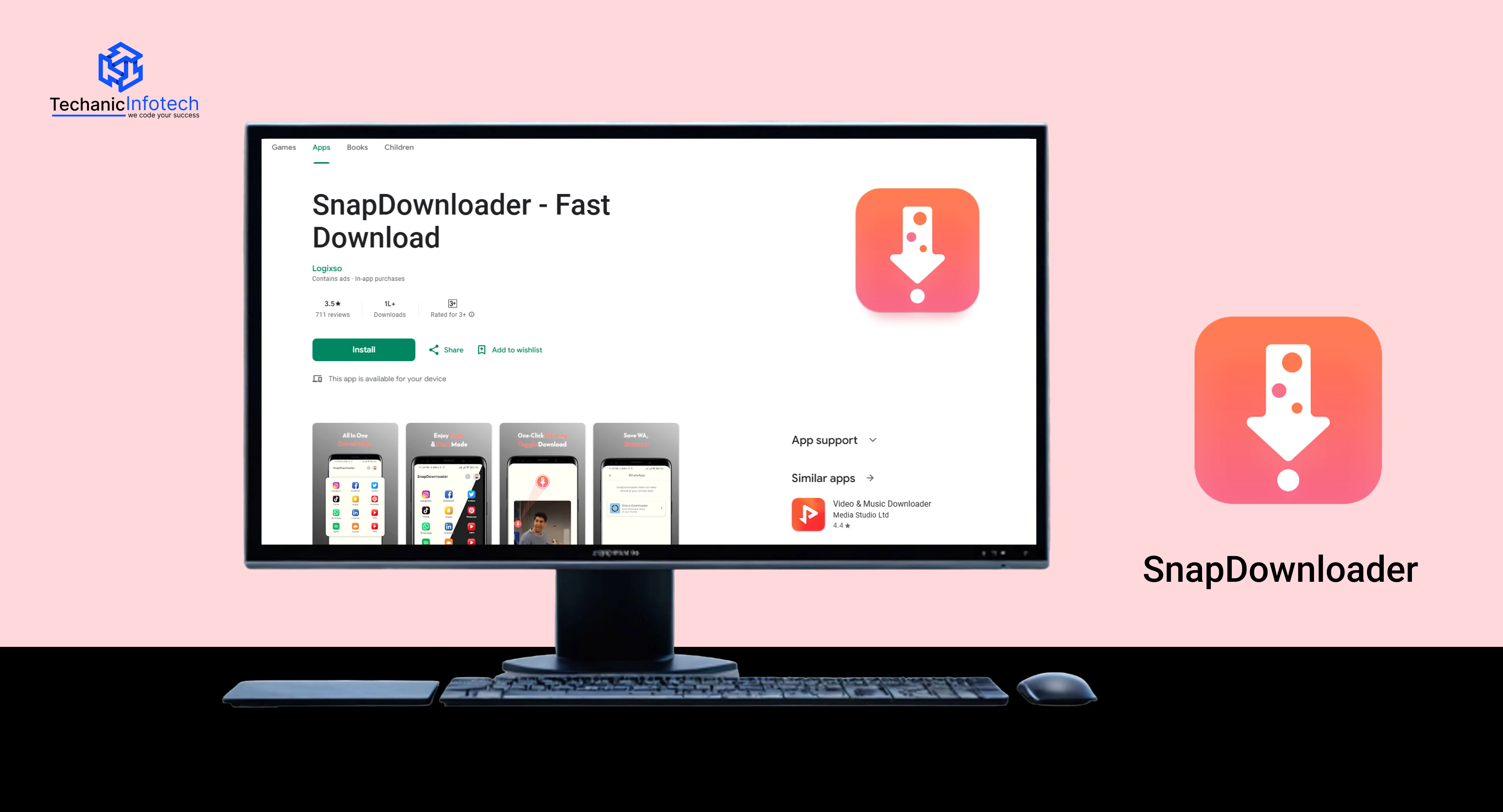
SnapDownloader is known for its speed and high-quality downloads. It’s a desktop-based tool designed for users who want HD and 4K videos without relying on browser tools like 9xbuddy downloader.
This tool supports multiple websites and offers playlist downloads, making it useful for content creators or learners saving large collections of videos. While it requires installation, the performance and reliability often make up for it.
|
Features |
Who Can Use |
|
Desktop-based downloader |
Power users |
|
Supports HD & 4K videos |
Quality-focused users |
|
Playlist downloads |
Content collectors |
|
Fast processing |
Users downloading in bulk |
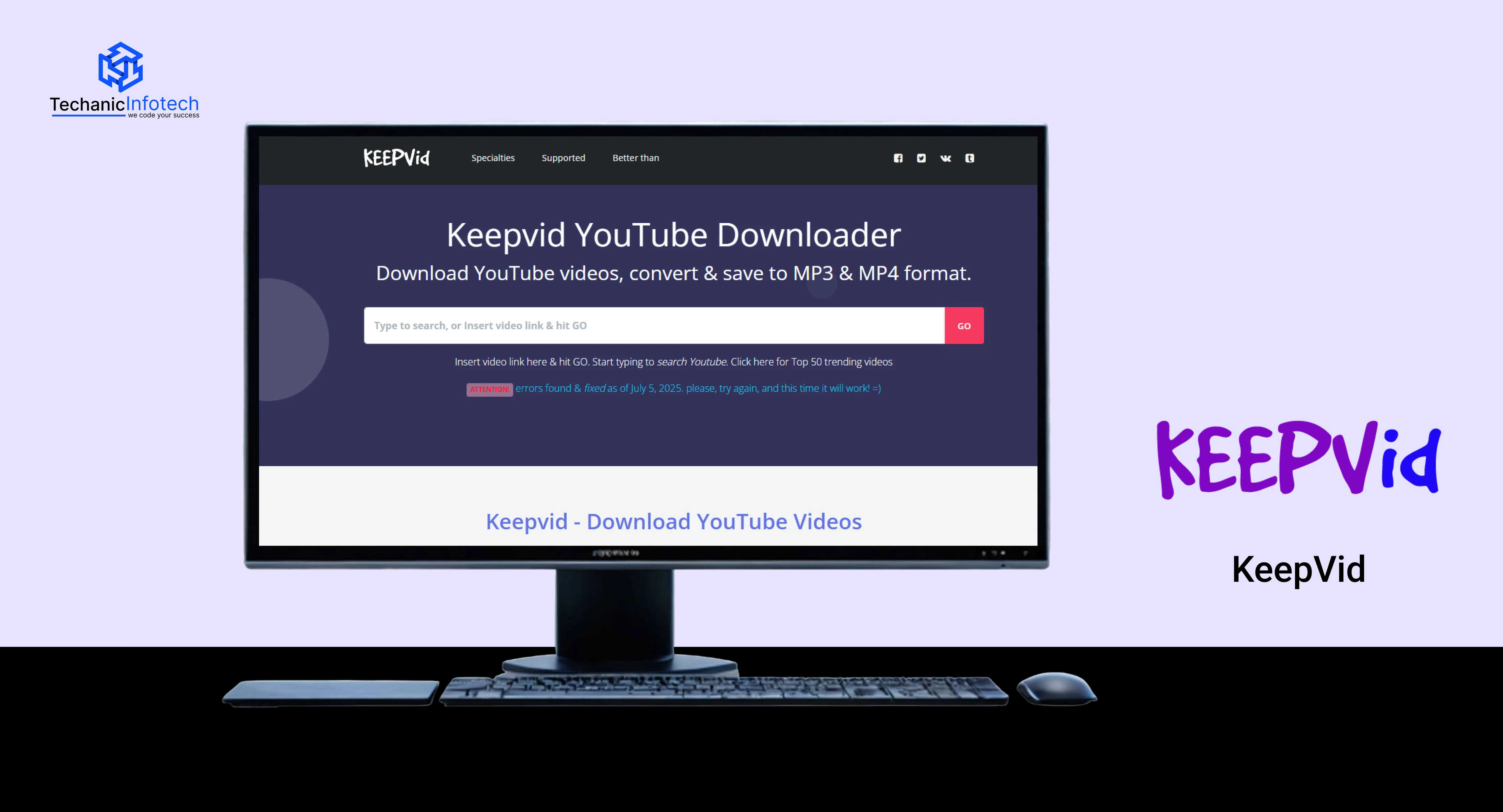
KeepVid is another well-known name among 9xbuddy alternatives. It works mainly as a browser-based tool, allowing users to download videos quickly without software installation.
Over time, KeepVid’s availability has changed, and features may vary depending on region and platform. Still, many users rely on it for simple, quick downloads when other tools fail.
|
Features |
Who Can Use |
|
Browser-based downloading |
Casual users |
|
Simple interface |
Beginners |
|
No account required |
Occasional downloaders |
|
Supports multiple sites |
Users seeking backup options |
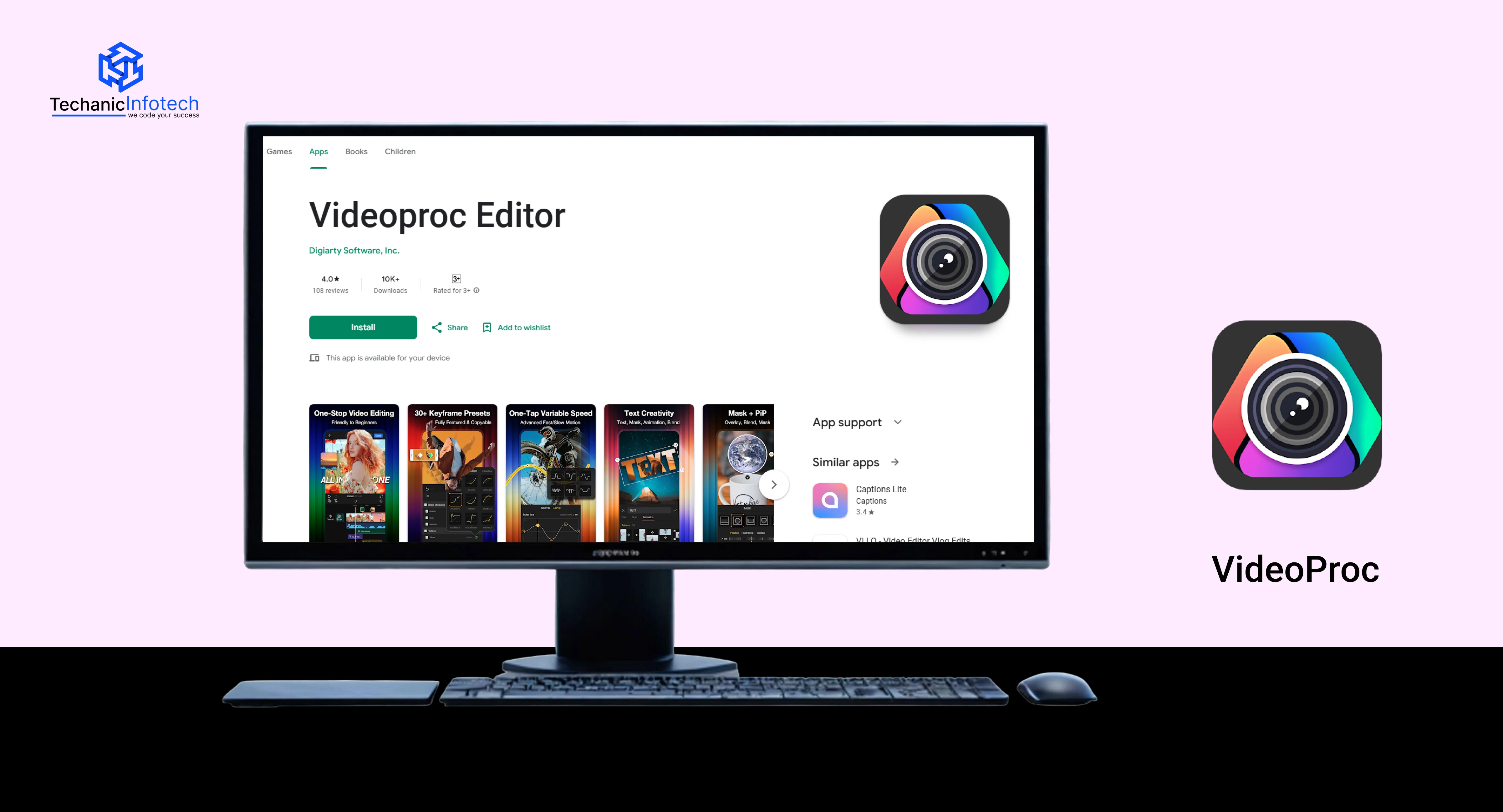
VideoProc is a more advanced desktop solution that goes beyond simple downloading. Along with video downloads, it offers video processing, compression, and format conversion. This makes it ideal for users who want more control over downloaded content.
Compared to 9xbuddy video downloader, VideoProc is heavier but far more powerful. It’s best suited for users working with large files or editing videos after download.
|
Features |
Who Can Use |
|
Desktop software |
Advanced users |
|
Video downloading + processing |
Editors & professionals |
|
Compression & conversion tools |
Storage-conscious users |
|
High-quality output |
Users handling large files |
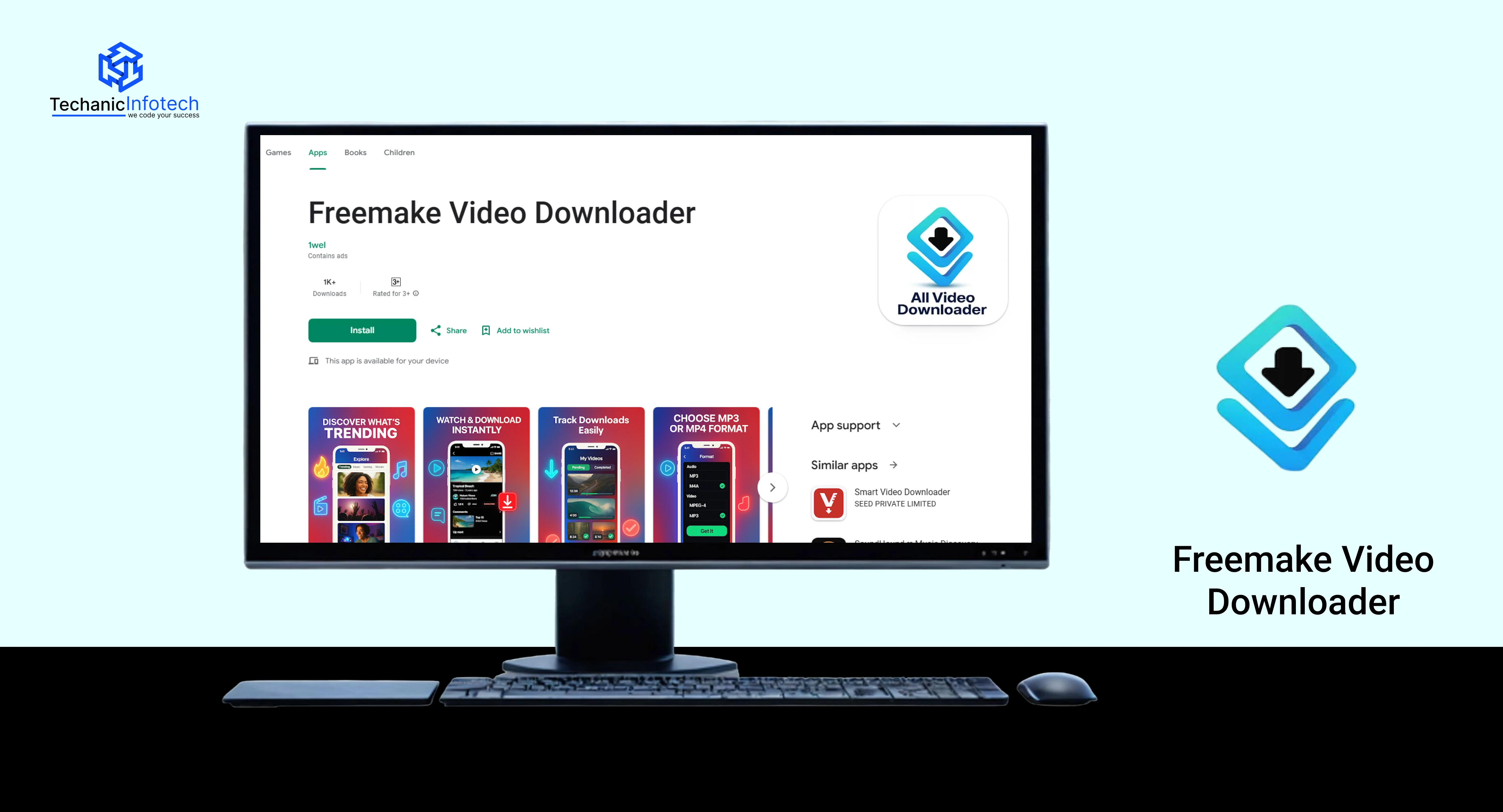
Freemake Video Downloader is a desktop-based tool that has been around for years and is trusted by many regular users.
Unlike browser tools such as 9xbuddy, it requires installation but offers a stable downloading experience once set up. It supports video downloads from multiple public platforms and allows users to choose formats and resolutions.
One thing to note is that the free version may add branding or limit some features. Still, it works well for users who prefer a traditional software-based solution over online tools.
|
Features |
Who Can Use |
|
Desktop software (Windows) |
Regular desktop users |
|
Multiple format support |
Users needing format options |
|
Stable downloads |
People avoiding browser tools |
|
Free & paid versions |
Long-term downloaders |
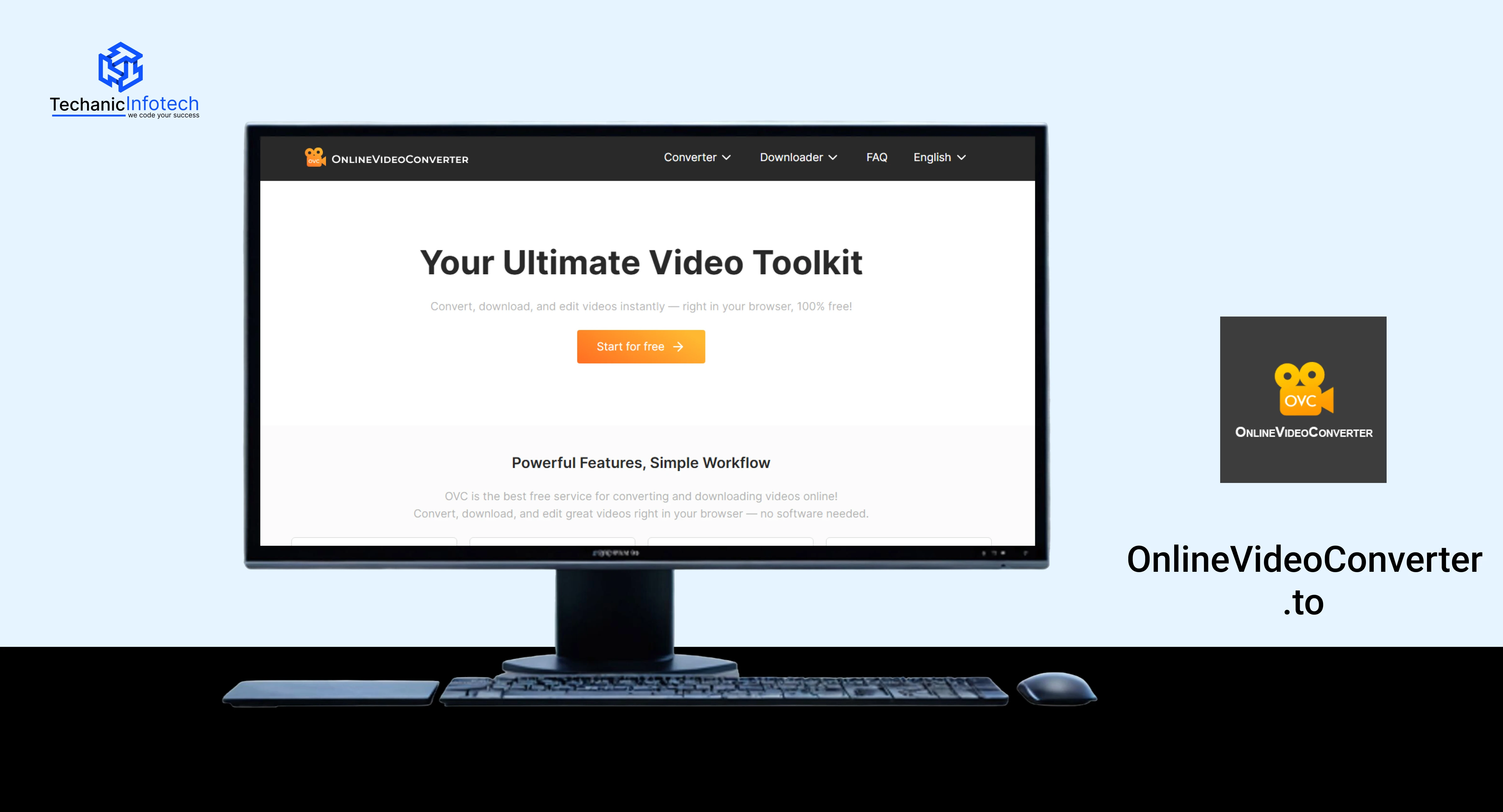
OnlineVideoConverter.to is a browser-based alternative often used when users don’t want to install any software. It allows video downloading and format conversion directly from the browser, making it similar to many sites like 9xbuddy.
This tool is useful for quick conversions, especially when users need audio-only files or specific formats. However, ads may appear, so careful navigation is recommended.
|
Features |
Who Can Use |
|
Browser-based converter |
Users avoiding installations |
|
Video to audio conversion |
Music & podcast listeners |
|
Multiple format options |
Users with device compatibility needs |
|
Quick processing |
Occasional downloaders |
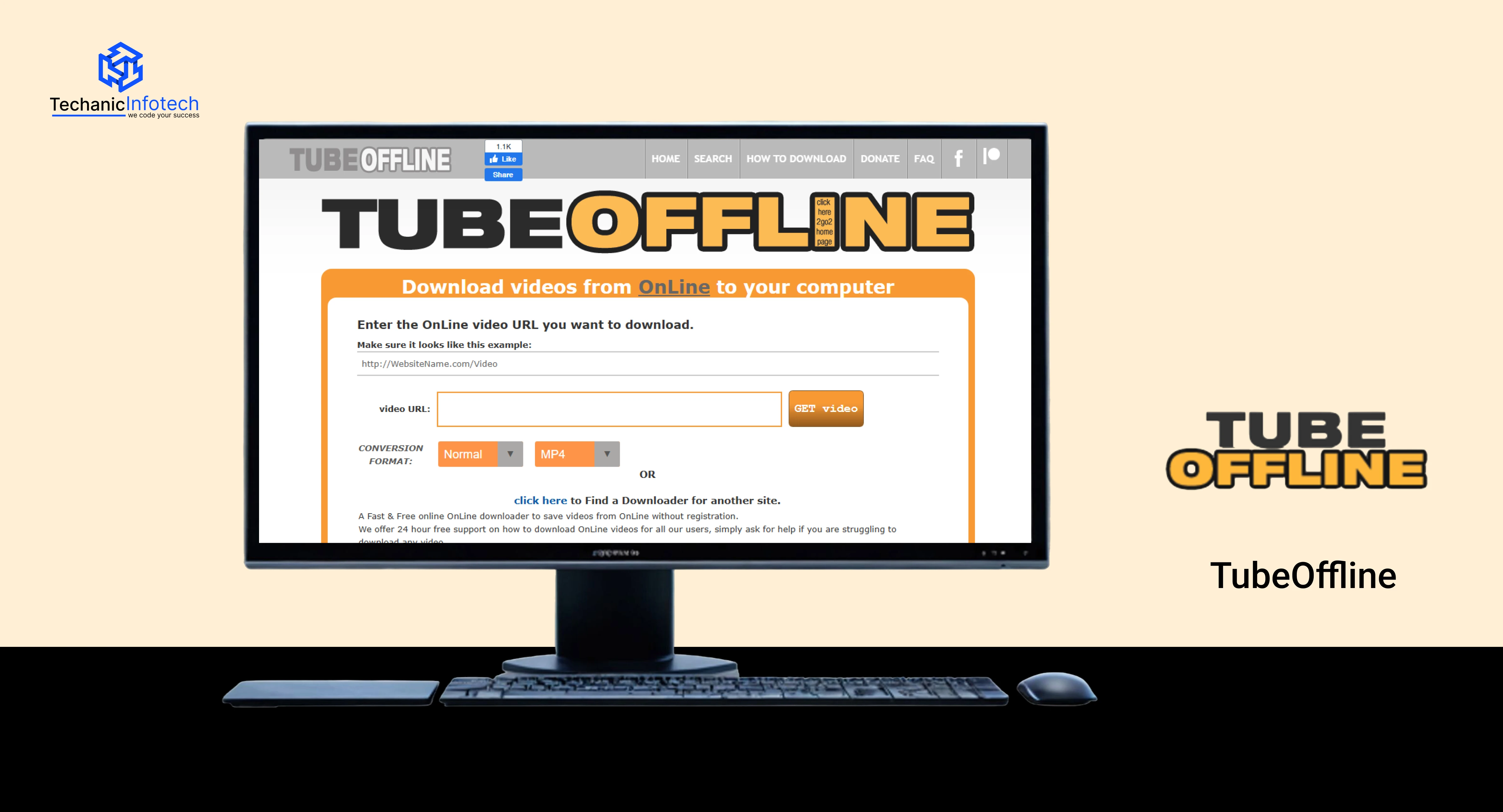
TubeOffline is another browser-based tool designed for simplicity. It focuses on quick downloads without requiring accounts or setup. Compared to heavier tools, TubeOffline keeps things minimal and straightforward.
It works best for public videos and simple download needs. While it may not support advanced features like playlists or high-resolution formats, it’s often used as a backup when other tools fail.
|
Features |
Who Can Use |
|
Simple browser-based tool |
Beginners |
|
No registration required |
Users wanting quick access |
|
Fast basic downloads |
Casual video savers |
|
Lightweight interface |
Backup option seekers |
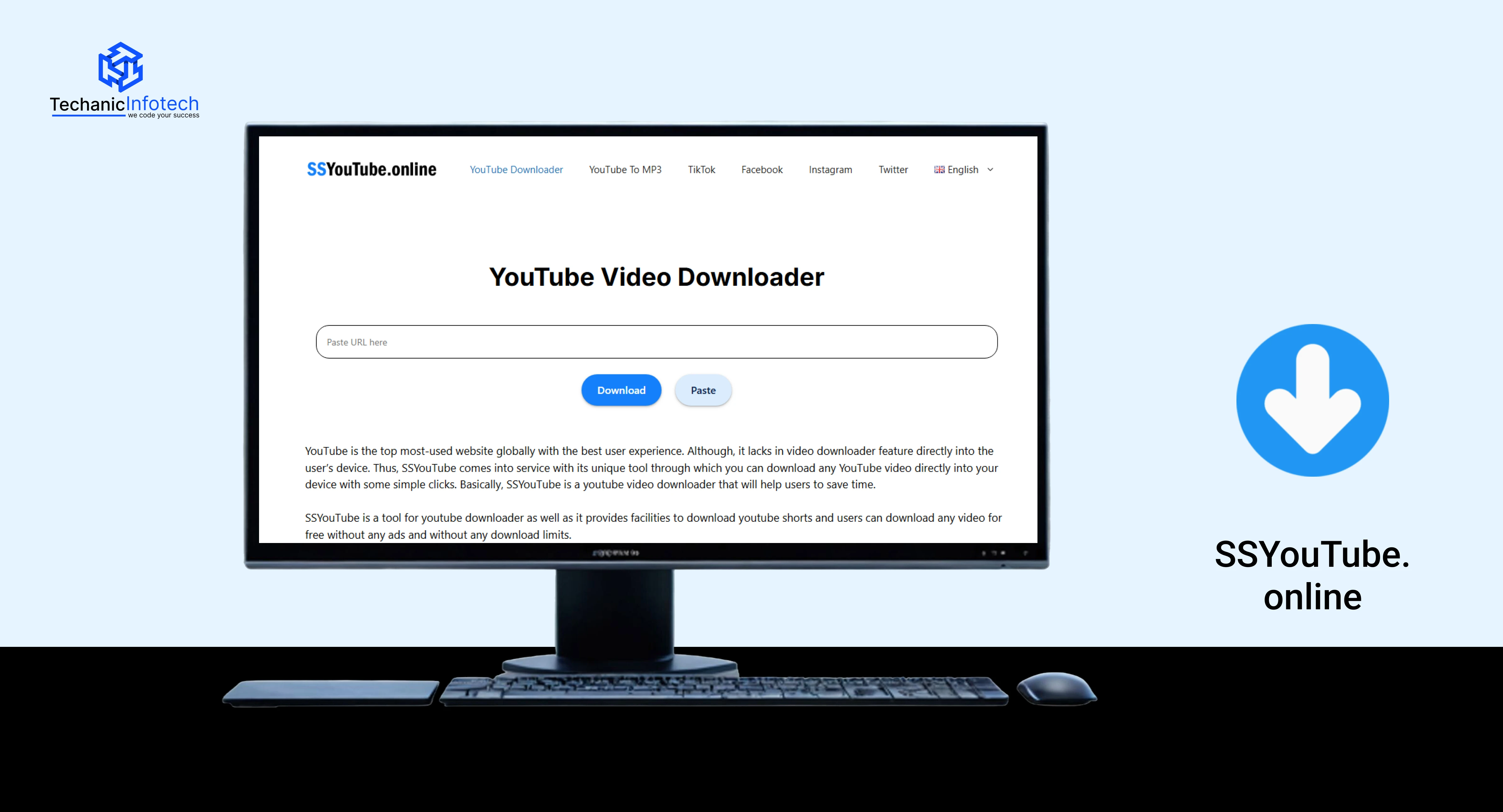
SSYouTube.online works by modifying the video URL, which makes it one of the simplest 9xbuddy alternatives. Users add “ss” before the video URL and are redirected to a download page.
This approach is popular because it saves time and avoids navigating full websites. However, success depends on the video source and availability.
|
Features |
Who Can Use |
|
URL-based download method |
Quick-access users |
|
No software required |
Users avoiding downloads |
|
Works on supported platforms |
Simple use-case users |
|
Fast redirection |
People wanting speed |
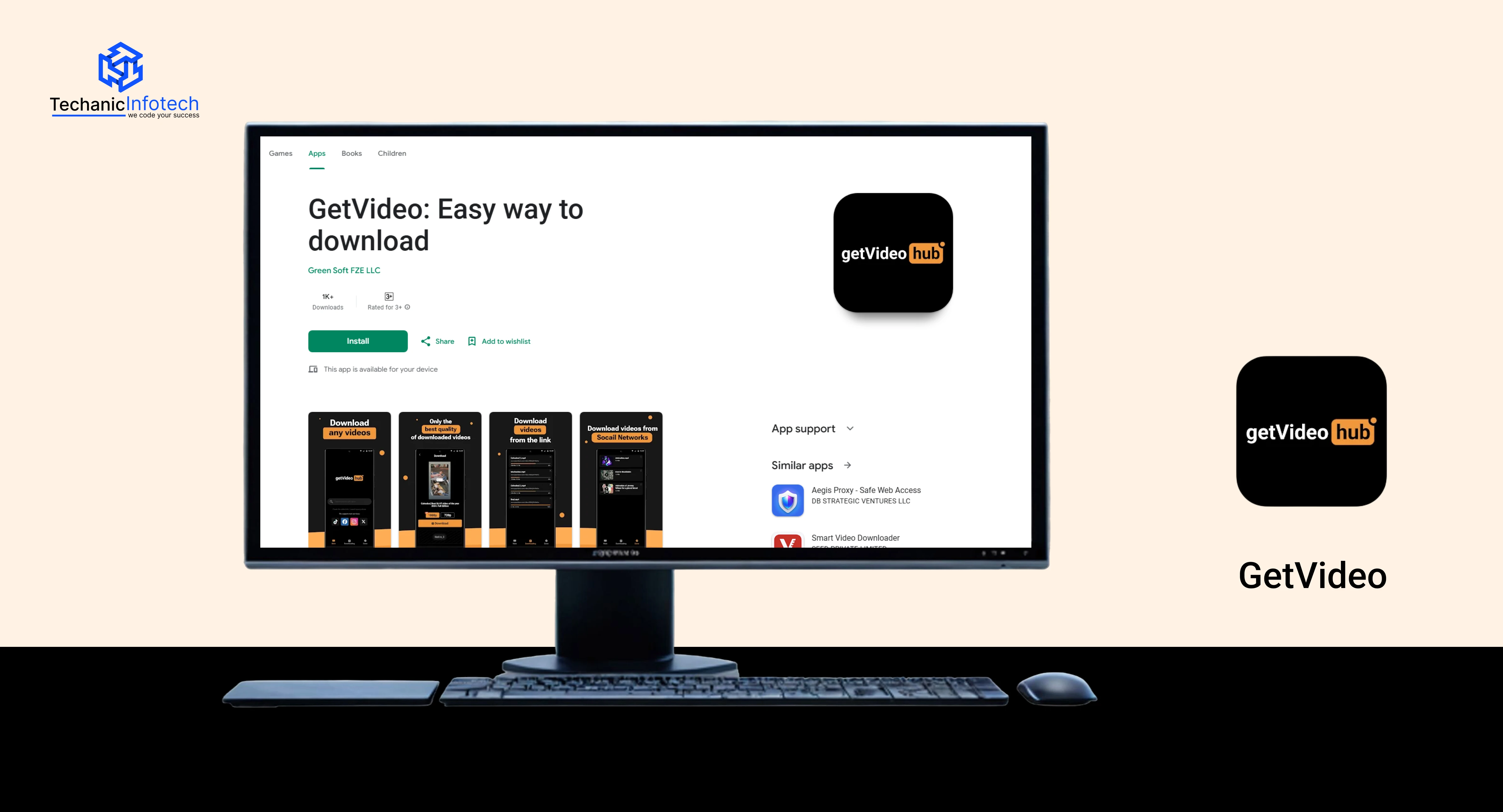
GetVideo is an online video downloader that supports multiple formats and resolutions. It’s commonly used when users want a quick browser-based solution similar to 9xbuddy download functionality.
The tool is easy to use but may not work on all websites. It’s best suited for public content and basic downloading needs without advanced controls.
|
Features |
Who Can Use |
|
Browser-based downloader |
Casual users |
|
Format and quality selection |
Users with storage limits |
|
No account needed |
First-time users |
|
Simple interface |
Lightweight usage needs |
Even though 9xbuddy is simple to use, it doesn’t always work perfectly. Many users face issues where videos don’t download, links fail, or the site behaves unexpectedly.
Below are the most common problems people experience while using sites like 9xbuddy and how you can fix them.
Problem: You paste the link, but nothing happens.
Why it happens: The video may be private, restricted, or unsupported.
Fix:
Make sure the video is public
Copy the full video URL (not a shortened link)
Try opening the link in incognito mode
Problem: The sites doesn’t load or keeps buffering.
Why it happens: Server issues, browser cache, or temporary downtime.
Fix:
Refresh the page or try again later
Clear browser cache and cookies
Switch to a different browser (Chrome, Firefox, Edge)
Problem: Format options don’t show after pasting the link.
Why it happens: Platform changes or ad blockers interfering.
Fix:
Disable ad blocker temporarily
Scroll down the page carefully
Try another quality or format option
Problem: The download stops or shows an error.
Why it happens: Network instability or file size issues.
Fix:
Check your internet connection
Choose a lower resolution
Retry the download from the beginning
Problem: Pop-ups make it hard to use the site.
Why it happens: Free tools rely on ads.
Fix:
Use a trusted ad blocker
Avoid clicking unknown buttons
Close extra tabs opened automatically
Problem: The site works on desktop but not mobile.
Why it happens: Mobile browser limitations or redirects.
Fix:
Switch to desktop mode in your browser
Try a different mobile browser
Use a desktop-based alternative if needed
Problem: Some videos simply won’t download.
Why it happens: DRM protection or platform restrictions.
Fix:
Accept that some sites block downloads
Try reliable 9xbuddy alternatives from the list above
Using sites like 9xbuddy can be helpful when you want to download videos for offline viewing. However, because many of these tools are free and browser-based, it’s important to use them carefully.
The tips below will help you use 9xbuddy like sites safely while getting the best results.
Always choose popular and well-reviewed 9xbuddy alternatives instead of random tools you find through ads. Trusted 9xbuddy video downloader platforms like 9xbuddy are less likely to cause security issues or broken downloads.
Many people search for the 9xbuddy app or 9xbuddy download, but most sites like 9xbuddy work directly in the browser. Avoid downloading APKs, software, or ZIP files unless the tool is a verified desktop application. Fake apps often carry malware.
Free tools rely on ads. Some buttons may look like download links but lead to pop-ups. Using an ad blocker helps reduce risk and makes the video downloader experience cleaner and safer.
Most 9xbuddy video download tools only work with public content. Private, paid, or login-restricted videos usually won’t download. Always check the video’s visibility before assuming the tool is broken.
When using 9xbuddy like sites, select the format and resolution that match your device and storage. Higher quality means larger file size, which can slow downloads or fail on weak connections.
Some pages show several buttons. Wait until the site processes your link and displays the real download options. Close extra tabs that open automatically.
If one platform doesn’t work, don’t keep retrying. Different 9xbuddy alternatives support different websites. Switching tools often solves the problem quickly.
Use sites like 9xbuddy responsibly. Download videos for personal or educational use and avoid sharing or re-uploading copyrighted content without permission.
Using 9xbuddy video downloader alternatives wisely, staying alert, and knowing when to switch tools will help you download videos safely and without stress.

9xbuddy is a simple and convenient option for quick video downloads without installing software. The 9xbuddy tool works directly in the browser, making it easy for beginners to use.
However, like most free tools, it may not always work perfectly on every website. That’s why knowing how to use 9xbuddy video download safely, fix common issues, and switch to reliable 9xbuddy alternatives is important.
Whether you choose sites like 9xbuddy or desktop tools for better stability, the key is to use these platforms responsibly. By following safe practices and choosing the right 9xbuddy video downloader for your needs, you can enjoy offline videos without unnecessary risks or frustration.
9xbuddy is an online video downloader that helps users save public videos from supported platforms for offline viewing. It works directly in a web browser and does not require software installation.
No, you do not need to download any app. 9xbuddy works through its website. Be cautious of third-party apps claiming to be the official 9xbuddy app, as they may not be safe.
Sites like 9xbuddy can be safe if used carefully. Stick to trusted platforms, avoid clicking misleading ads, use an ad blocker, and never download unknown files or extensions.
9xbuddy may not work if the video is private, restricted, protected by DRM, or hosted on a platform that blocks downloads. In such cases, trying reliable 9xbuddy alternatives is recommended.
Yes, there are many reliable alternatives like SaveFrom, ClipConverter, 4K Video Downloader, Y2Mate, and others. Different tools work better for different platforms and use cases.


Shailendra is a dedicated professional known for his strong client-focused approach and clear understanding of business needs. He brings a thoughtful understanding of client needs and focuses on building long-term relationships through clear communication and quality-driven work. With a blend of strategic thinking, content expertise, and a hands-on approach, Shailendra plays a key role in shaping content that aligns with both business goals and user expectations.